Virtual cryptocurrency simulator based on Rugplay
| github_assets | ||
| website | ||
| .dockerignore | ||
| .gitattributes | ||
| .gitignore | ||
| build.sh | ||
| docker-compose.yml | ||
| Dockerfile | ||
| drop.sql | ||
| LICENSE | ||
| README.md | ||


Rugplay.com - the fake crypto simulator.
Privacy Policy | Terms of Service | License | YouTube video
About
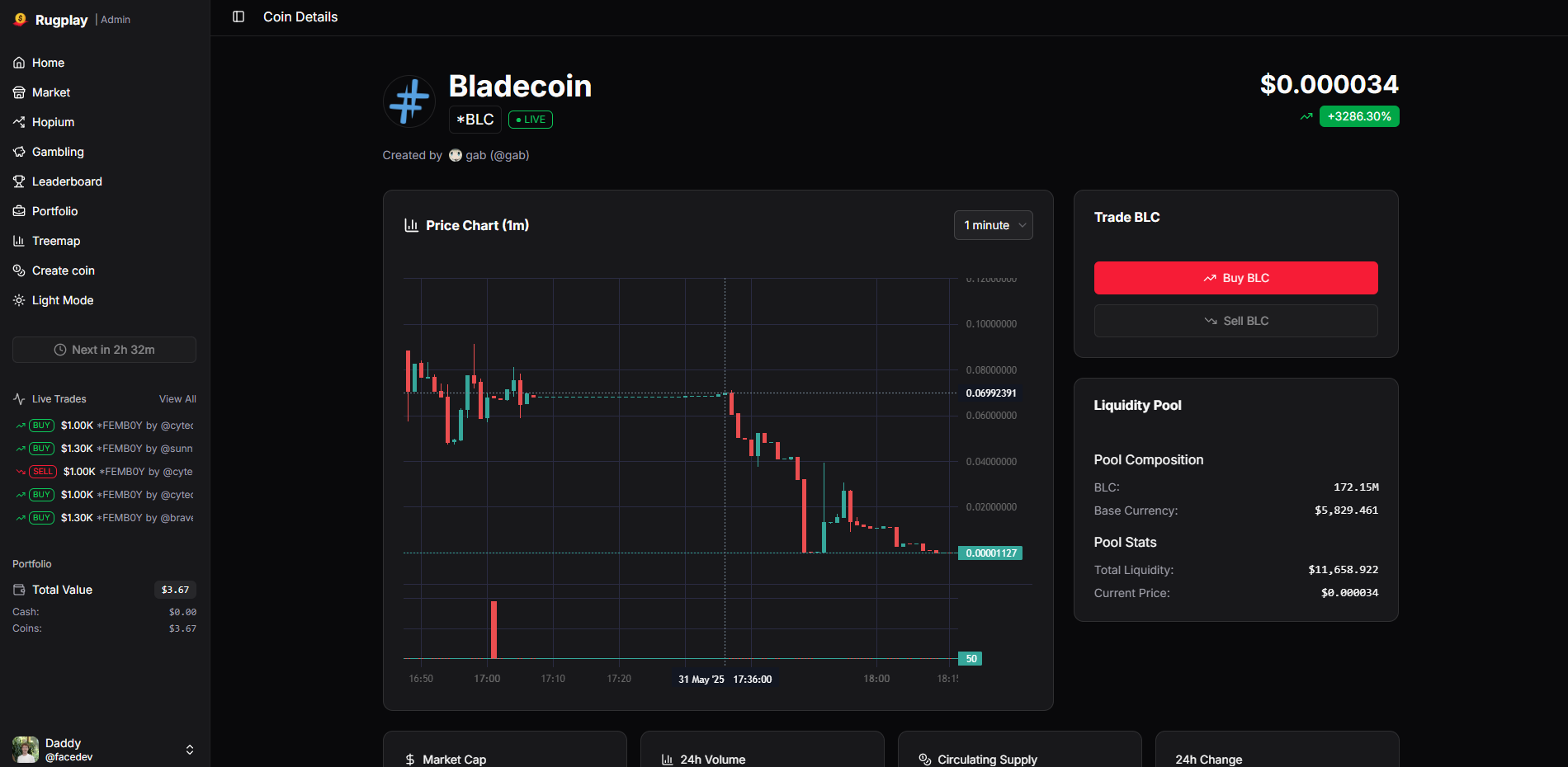
Rugplay is a realistic cryptocurrency trading simulator that lets you experience the risks and mechanics of decentralized exchanges without real financial consequences. Create coins, trade with liquidity pools, and learn about "rug pulls" in a... relatively safe environment :)
Features
- 🪙 Create coins
- 🟢 Buy coins
- 🔴 Sell coins
- ⚖️ Bet on questions (similar to Polymarket)
- 🎲 Gamble it all
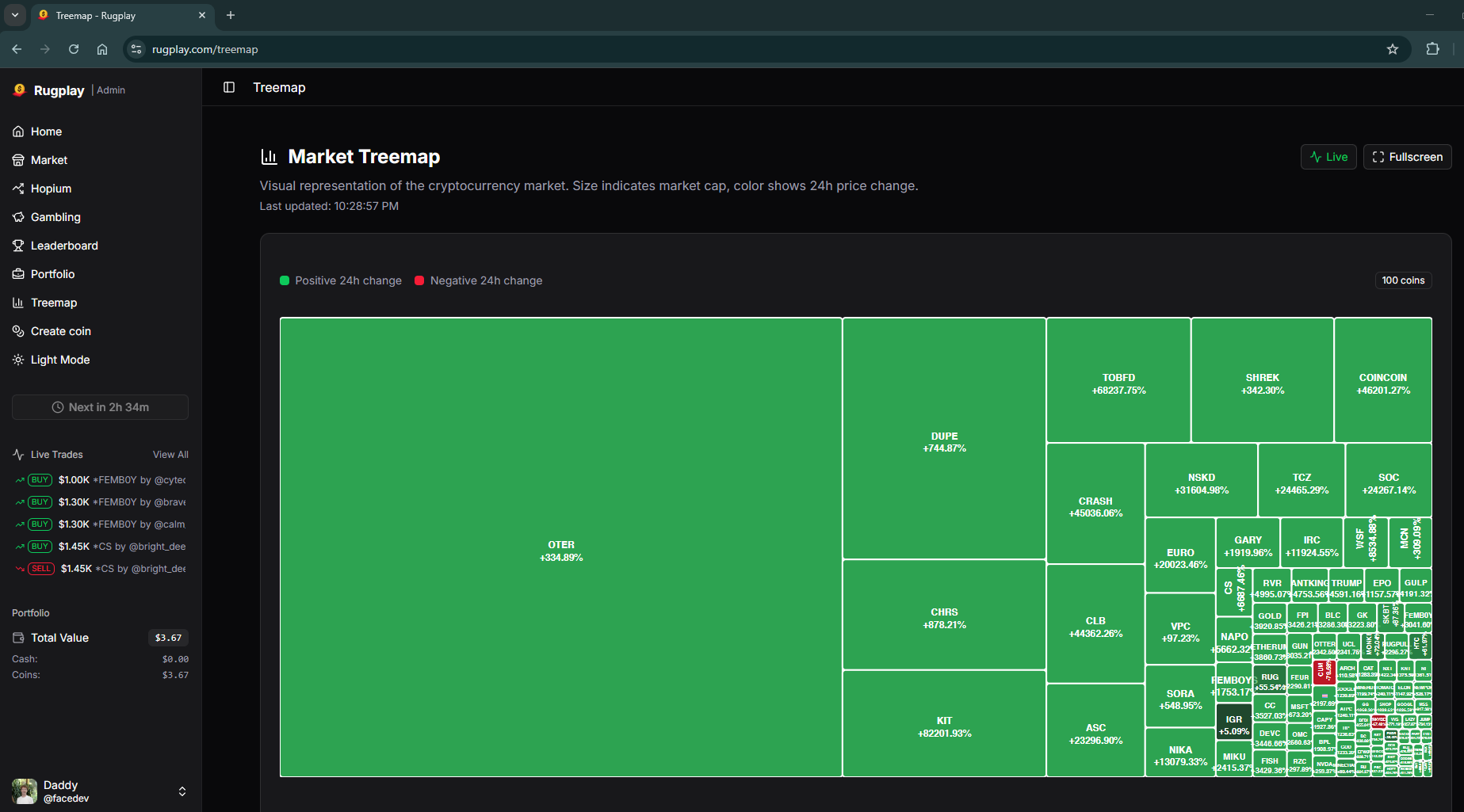
- 📊 View a Treemap graph of the entire market
- 🏆 Compete on leaderboards
Setup
-
Copy the environment file:
cp website/.env.example website/.env -
Edit
website/.envwith your actual values. -
Start with Docker (recommended):
./build.sh -
The app will be available at http://localhost:3002
Development
cd website
npm install
npm run dev
The development server runs on http://localhost:5173
License
This project is licensed under the Creative Commons Attribution-NonCommercial 4.0 International License (CC BY-NC 4.0). See the LICENSE file for details.